One of the most underrated social networks in my opinion is Path. What makes this mobile-based network so unique is its emphasis on closeness and sharing details with your closest friends. With a friend limit of 50, you’re forced to pick your closest friends (or in my case, add the people you know who actually use the app).
On Path you get to see friend’s check-ins, what music they’re listening to, a shared photo…even when they sleep and wake up (it’s actually not as creepy as it sounds). You can also purchase stickers to put on your profile which is sort of a cool feature (not that I’d pay real money to do that…well, not now, anyway…). Chatting with a friend is really easy and sharing a thought, photo, or check-in can be done across multiple networks (can connect to your Instagram, Twitter, Facebook, and Tumblr accounts). And to top it all off, the application itself is beautifully designed.
Path, please make a Windows Phone application…please. Thanks.
Are any of you on Path? Why or why not? Let me know via the interwebs.

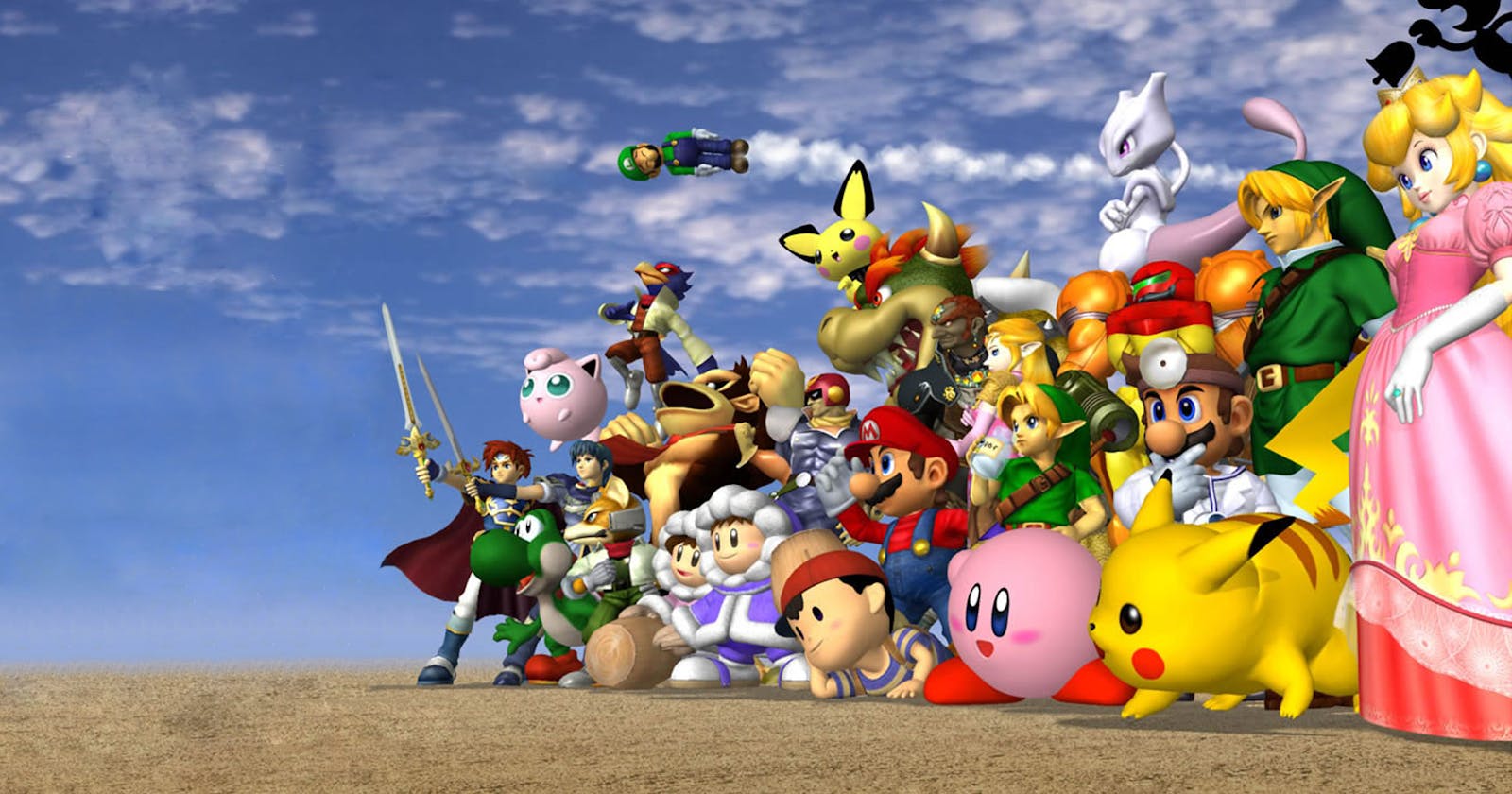
In-Depth Look at Mega Man in Super Smash Bros. for Wii U/3DS
What Does Your Start Screen Look Like? Mine looks like this.
Note: My Start Screen is liable to change at any given moment! And if you’re interested in the categories I have near the bottom, check out the Windows Phone apps New Group, Group of Tiles, Name Group of Tiles or Groupy.

Here’s the concise rundown:
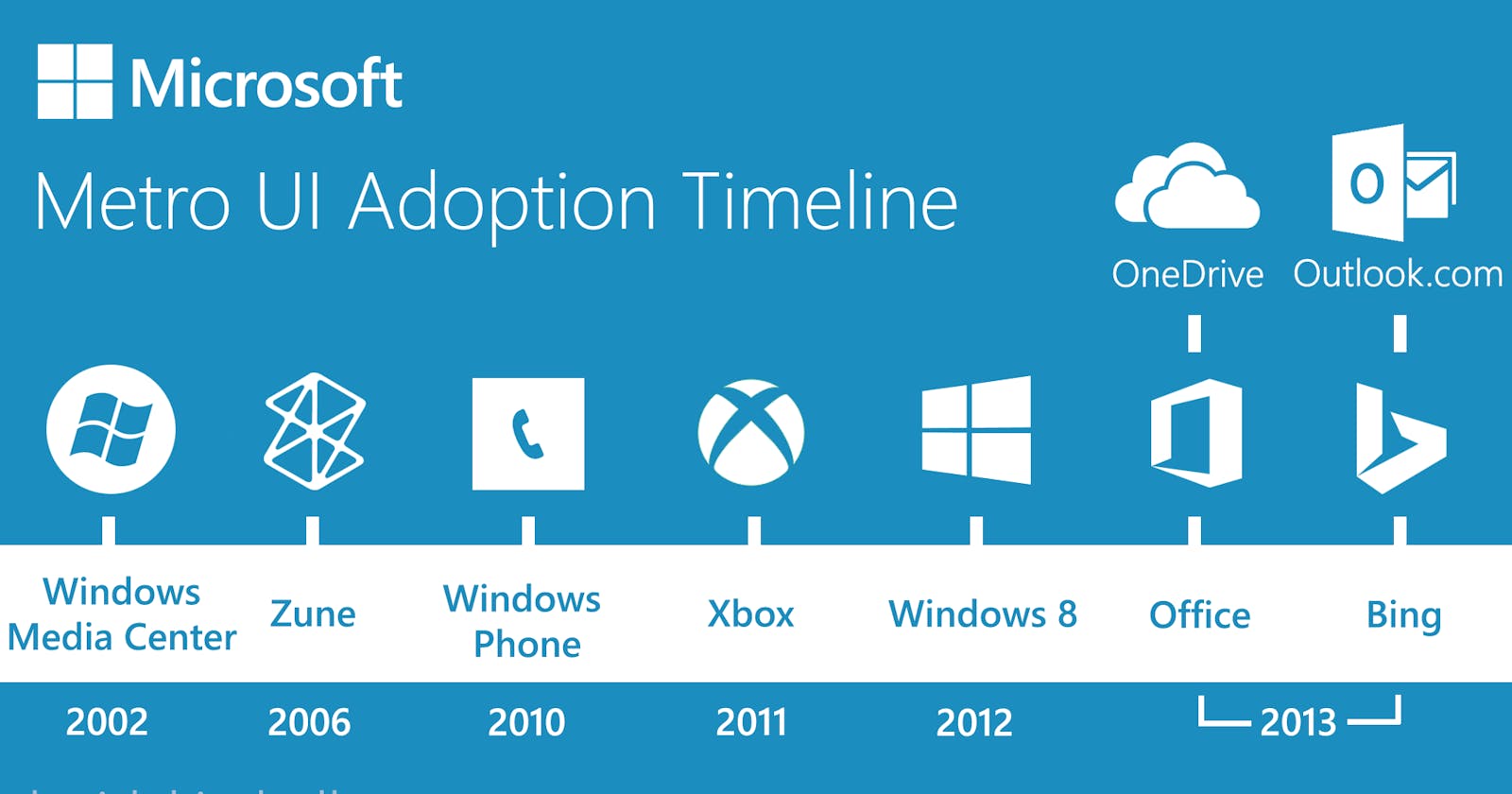
1. It’s fast. Windows Phone’s UI is designed to get you where you want to be as quickly as possible. Live tiles allow for a unique glance-and-go experience that feels dynamic and alive.
2. It’s feature-packed. The default applications on Windows Phone are deeply connected with the services you care about like Xbox LIVE, Microsoft Office, SkyDrive, and more. Bing serves as a “local scout” (finding what you want in a new city), voice command receiver, QR code reader, and more: not just a search engine.
3. It’s socially-connected. Facebook, Twitter, and LinkedIn are deeply integrated into the OS, which makes sharing easy. Finding a friend’s recent status update is just a glance at their contact profile on your phone.
4. It’s personable. Your Start Screen is entirely yours to customize, with varying tile sizes and an array of colors from which to choose. Your favorite apps and the people you care about are pinned right there.
5. It’s photo-friendly. Each Windows Phone device has a shutter hardware button on the side for instantly capturing a moment. Snapping a photo is just a button away no matter where you are. Not only do some Windows Phone devices take outstanding low-light photos, the lens features makes editing and adding filters to your pictures seamless.
Think that’s everything? There’s more. If you’re interested in the platform, tweet me (@davidvkimball) or visit windowsphone.com.
Hello my dear followers, this is a call to action.
If you don’t already, you should make it a point to write every single day.
Now composing a Facebook status doesn’t quite count (but if you are particularly eloquent and employ a decent usage of correct grammar, I may make an exception), but it doesn’t have to be something big.
Start a blog! There’s tons of services out there. Tumblr, WordPress, Blogger, LiveJournal, and even Quora has its own blogging service now. Oh, and did I mention? All of these services are free.
If you’re not sure what to write about, just look around you! You might find something on your desk that starts a spark. Or think of a recent conversation you’ve had with someone: that’s generally what I do. Whatever gets you passionate, whatever you think you could give a lecture on, write about THAT!
Writing is good for you for a multitude of reasons, but I enjoy it to get me thinking more critically about the topics I enjoy the most and engaging with others that share a passion for those topics.
Would you consider writing daily? Well you should. I’ve really enjoyed it.
Need more inspiration? Let me help you get started by just asking, tweeting, or messaging me through another means.
Just created Smash Bros Legacy. If you’re into Super Smash Bros. news, speculation and updates, give this Tumblr blog a follow. I’ll be posting regularly.

First off, as I mentioned in a previous post, hashtags are not pointless. They are tools that allow us to connect with other people.
That being said…I’m not sure hashtags - which are an open medium to connect with others - are entirely appropriate for a closed social network like Facebook. Assuming Facebook becomes more open, they /may/ become relevant, however.
Since 2004 when it began, Facebook has been becoming increasingly more open and is now a lot more like Twitter than it was just a few years ago.
As I’ve been using Facebook’s new Graph Search to track the “#Hashtags” topic, I’ve met other people discovering this new feature, and have engaged with them in interesting discussions. Already I’ve made some new connections and met new people.
I’m beginning to like it - a lot. And while I think Facebook and Twitter have fundamentally different uses, I actually like this change. Although I think I prefer keeping Facebook as a closed, intimately connected network and Twitter as an open, broadly connected network. But I can’t say for sure, yet.
What do you think about #Hashtags on Facebook? Let me know what you think.

At Apple’s WWDC conference, Apple announced the newest version of their mobile platform, iOS. Jony Ive’s first work on the software end of iOS devices was finally revealed, and I must say…I…I’m not sure what to think.
Here’s the long and short of it: Imagine one of the Windows Phone-themed Android skins from the Google Play Store. It’s like that.

Apple’s new mobile OS UI in iOS7 features minimalism and a more clean, modern design. But unfortunately, the pastel-like icons kept their gradients and look awkward with the rest of the clean typography. The UX is different, too, as multiple layers means…translucency.

A new feature is iOS’ “Control Center,” which is essentially a tray (like the Notification Center) where you can access various controls like WiFi, Bluetooth, Do Not Disturb, etc. That’s cool.

They’re integrated much-needed sharing features like quick sharing of photos (including AirDrop). Their new “moments” feature groups pictures in a way that makes it easy to navigate (no more scrolling down for hours trying to find that picture you took).

Multitasking has also been changed…hmm..that looks familiar (looking at you, WebOS).
Anyway, these is just some of the info. What do YOU think about iOS 7? As for me, again….I don’t really know what to think about it. It’s like Flat UI meets translucency meets gradients and chalk…I don’t really know what to make of it.
It will all come down to the UX. If the user experience is solid, I think iOS7 can be a success. But as far as the UI goes, I’m not entirely impressed. I think Apple could have done a bit better.
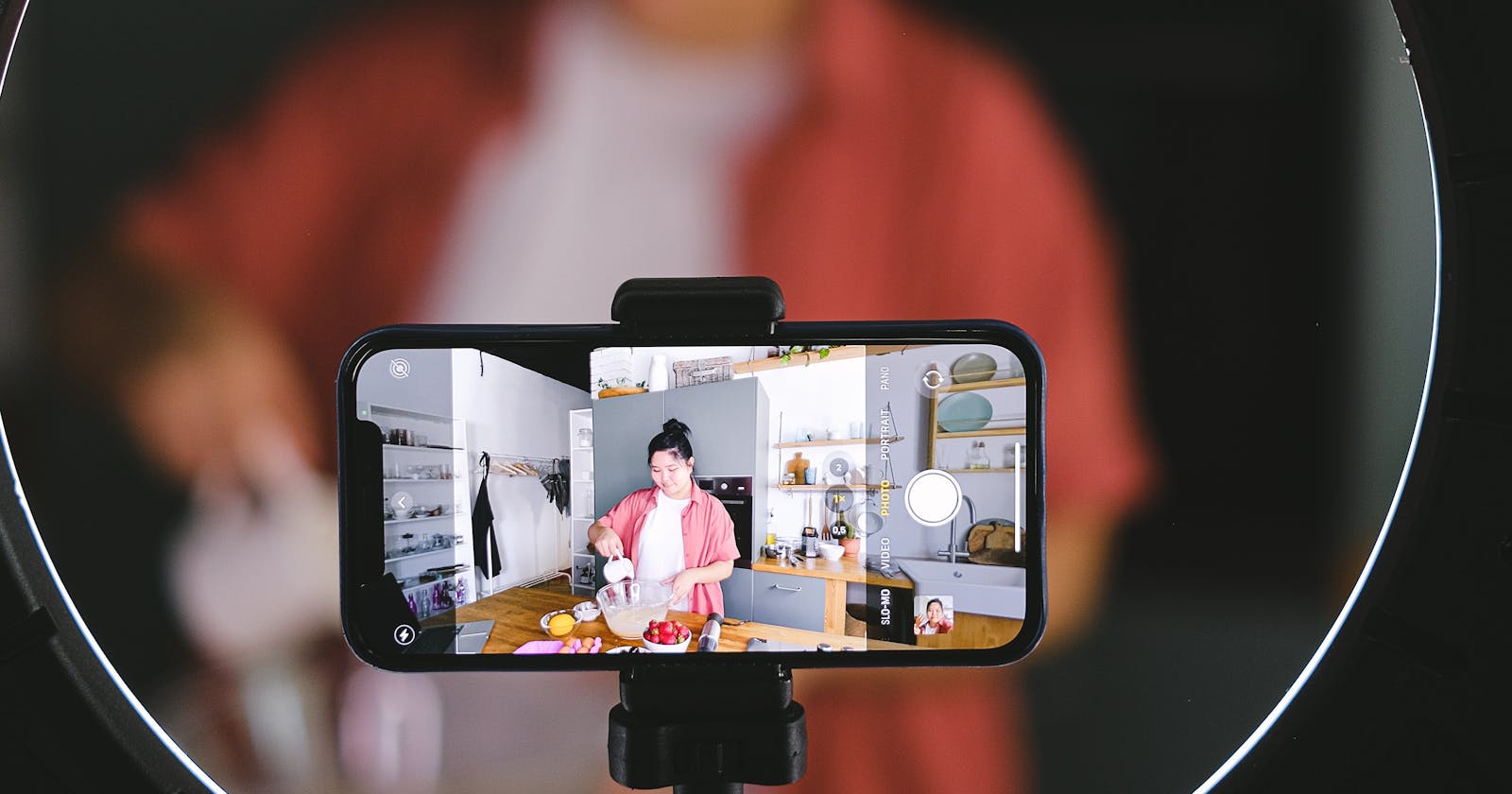
MEGA MAN IN SUPER SMASH BROS?! [Nintendo Fanboyism Alert] - David V. Kimball Vlog #3
Thank you. I’ll do my best! :D